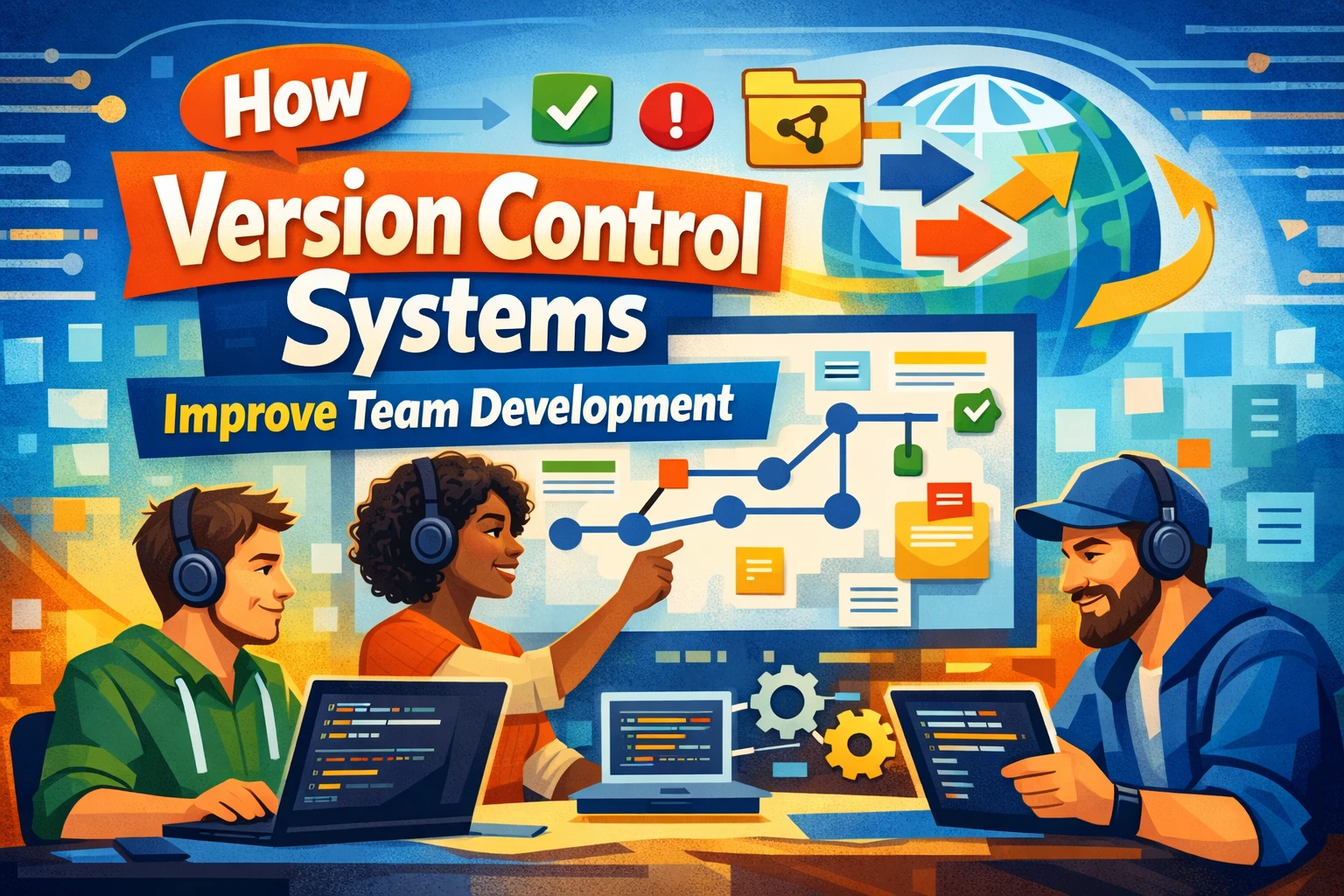
In 2026, software development is rarely a solo endeavor. Most products are built by distributed teams across time zones, often contributing to the same codebase simultaneously. Without a structured way to manage those contributions, even small teams face risks: overwritten work, broken builds, and unclear accountability when something goes wrong.
Version control systems (VCS) address this challenge directly. They track every change made to a codebase, record who made it and when, and allow teams to collaborate without stepping on each other’s work. Yet many business teams—particularly those adopting SaaS development workflows for the first time—still treat version control as a developer-only concern rather than a foundational operational practice.
This guide is for development team leads, product managers, and professionals who want to understand how version control systems function in practice, what value they provide across different team structures, and how to evaluate which approach best fits a given workflow. It also covers common pitfalls teams encounter during adoption.
If you’re new to developer tooling and want broader context, see our overview of essential SaaS tools for software teams. (Internal Link)
What Version Control Systems Actually Do
A version control system is software that records changes to files over time so that specific versions can be recalled later. In a team environment, it also coordinates contributions from multiple people working on the same project simultaneously.
There are two primary categories of VCS in use today:
- Centralized version control (CVCS): All team members check out files from and commit changes to a single central server. Examples include Apache Subversion (SVN) and Perforce. This model works well in controlled enterprise environments but creates a single point of failure.
- Distributed version control (DVCS): Every contributor maintains a full copy of the repository, including its complete history. Git is by far the dominant example. Changes are pushed and pulled between repositories, offering greater resilience and flexibility for remote teams.
Most modern software teams use Git, often hosted through platforms like GitHub, GitLab, or Bitbucket, which add collaboration layers such as pull requests, code review interfaces, and CI/CD pipeline integration.
(External Reference: Pro Git Book – Official Git Documentation)
Core Benefits for Development Teams
Change Tracking and Accountability
Every commit to a Git repository records the author, timestamp, and a message describing the change. This creates a detailed audit trail that helps teams understand why a particular decision was made months after the fact. When a bug surfaces in production, teams can trace it to a specific commit, making diagnosis faster and reducing the time spent on speculation.
- Commit history acts as living documentation for the project
- Blame tools identify which contributor introduced a specific line of code
- Rollback to any prior state is possible without data loss
- Tagged releases allow teams to pin stable versions independently of ongoing development
Parallel Development Through Branching
Branching is one of the most valuable features of modern version control. A branch is an isolated copy of the codebase where developers can make changes without affecting the main production code. Once the work is ready, it is merged back through a formal review process.
This workflow enables teams to work on multiple features, bug fixes, or experiments at once. A developer can patch a critical security issue on a hotfix branch while other team members continue building new features—both tasks proceed in parallel without conflict.
- Feature branches keep incomplete work isolated from stable code
- Long-lived branches support large refactors without disrupting daily work
- Teams can prototype ideas and discard branches cleanly if the approach doesn’t work out
- Branch protection rules prevent direct commits to critical branches like
mainorproduction
Conflict Resolution and Merge Management
When two developers modify the same file, a VCS detects the overlap and surfaces a merge conflict rather than silently overwriting one person’s work. The team must then resolve the conflict manually, combining both sets of changes intentionally. While this requires effort, it is far safer than the alternative—unknown overwrites that damage the codebase without any warning.
Version Control Workflows Used in Practice
Choosing a branching strategy is as important as choosing the VCS itself. The workflow determines how code moves from development to production and how teams coordinate day-to-day.
Common Branching Strategies Compared
| Workflow | Best For | Key Advantage | Main Trade-off |
|---|---|---|---|
| GitHub Flow | Small teams, SaaS products with continuous deployment | Simple: one main branch + short-lived feature branches | Not suitable for managing multiple release versions |
| Git Flow | Products with scheduled, versioned releases | Structured: separate develop, release, and hotfix branches | More complex, higher overhead for small teams |
| Trunk-Based Development | Teams practicing CI/CD at high frequency | Minimizes long-lived branches, reduces merge conflicts | Requires strong test automation and feature flags |
| Forking Workflow | Open-source projects, external contributor models | Contributors work on personal forks, reducing repository clutter | More steps required to contribute; less suited for closed teams |
No single workflow is universally correct. Teams deploying frequently to production often prefer GitHub Flow or Trunk-Based Development for their simplicity. Teams managing enterprise software with quarterly releases may find Git Flow’s structure more appropriate.
Code Review and Collaboration Quality
Modern VCS platforms have built collaboration features directly into the review process. Pull requests (or merge requests in GitLab) are the mechanism through which changes are proposed, discussed, and approved before being merged.
How Pull Requests Improve Code Quality
- Reviewers can comment on specific lines rather than emailing diffs
- Automated checks (tests, linting, security scans) run before human review begins
- Approval requirements prevent any single developer from merging their own untested changes
- Conversation threads create an asynchronous record of design decisions
- Review assignments distribute knowledge across the team, reducing single points of expertise
For distributed or remote teams, this asynchronous review model is particularly valuable. A developer in Seoul can submit a pull request and receive substantive feedback from a colleague in Berlin without requiring a live meeting.
For more on structuring remote development teams, see our related guide on AI-powered productivity tools for distributed teams. (Internal Link)
Integration with Modern Development Pipelines
Version control does not operate in isolation. In 2026, most professional development environments connect the VCS to a broader toolchain.
CI/CD Integration
Continuous integration systems monitor the repository and automatically trigger test runs, build processes, and deployments whenever code is pushed. This means a broken commit is caught within minutes rather than days, and the cost of fixing it stays low. The VCS acts as the event source for the entire delivery pipeline.
Issue Tracking Linkage
Commit messages can reference issue IDs from project management tools like Jira, Linear, or GitHub Issues. When a commit closes a ticket, the link is created automatically. This maintains traceability from business requirement to code change without manual documentation overhead.
Security Scanning
Secrets scanning tools integrated at the repository level detect credentials, API keys, or sensitive data that a developer accidentally commits. Dependency scanning checks for known vulnerabilities in imported libraries. Both run as part of the version control workflow rather than as separate manual processes.
(External Reference: GitHub Security Features Documentation)
Limitations and Common Adoption Challenges
Version control systems are not without drawbacks, particularly during the initial adoption phase. Understanding these limitations helps teams set realistic expectations.
- Learning curve: Git’s command-line interface is non-intuitive for developers new to distributed version control. Concepts like rebasing, cherry-picking, and detached HEAD states require deliberate learning.
- Large binary file handling: Git performs poorly with large binary assets (videos, design files, compiled executables). Git LFS (Large File Storage) exists to address this but adds operational complexity.
- Merge conflict overhead: Poorly coordinated teams with long-lived branches can accumulate significant merge debt, making integration painful and time-consuming.
- Inconsistent commit discipline: The quality of a repository’s history depends entirely on how consistently team members write meaningful commit messages and keep changes focused. Without established conventions, the audit trail becomes difficult to read.
None of these issues disqualifies version control as a practice. They do, however, argue for deliberate onboarding, clear conventions, and regular team training rather than assuming adoption will be self-evident.
Decision Framework: Choosing the Right Setup for Your Team
When evaluating version control setup for a new or existing team, consider the following dimensions before committing to a specific configuration:
Team Size and Distribution
Teams of fewer than five developers working in the same office may find a simpler workflow sufficient. Larger or geographically distributed teams benefit from more formalized branching strategies and stricter review requirements to maintain coordination without constant synchronous communication.
Deployment Frequency
Teams deploying to production multiple times per day benefit from Trunk-Based Development, where short-lived branches reduce the gap between writing code and shipping it. Teams with monthly or quarterly release cycles may prefer the structured staging that Git Flow provides.
Existing Toolchain Compatibility
The VCS should integrate with the team’s existing CI/CD platform, issue tracker, and identity provider. Evaluate whether the chosen hosting platform—GitHub, GitLab, Bitbucket, or self-hosted Gitea—supports the integrations your pipeline depends on.
Security and Compliance Requirements
Regulated industries (finance, healthcare, government) often require audit logs, signed commits, and branch protection rules. Verify that the VCS platform satisfies the compliance controls your organization must demonstrate.
Summary
Version control systems are the operational backbone of modern software development. They provide traceability, enable parallel work through branching, enforce quality through code review, and integrate with delivery pipelines to automate build, test, and deployment processes. The choice between centralized and distributed systems, and among branching workflows, depends on team size, deployment cadence, and compliance requirements rather than any universal preference.
Adoption challenges are real but manageable. Teams that invest in establishing clear commit conventions, training on core Git concepts, and selecting an appropriate workflow for their context will see measurable improvements in delivery consistency and codebase quality.
For teams evaluating how version control fits within a broader DevOps strategy, the next natural topic is CI/CD pipeline design. See our related article on how to build an automated CI/CD pipeline for small teams for a practical continuation of this discussion. (Internal Link)
Frequently Asked Questions
1. What is the difference between Git and GitHub?
Git is the version control system itself—a command-line tool that tracks changes to files locally and across repositories. GitHub is a cloud-hosted platform built on top of Git that adds collaboration features such as pull requests, project boards, and CI/CD integration. Other platforms like GitLab and Bitbucket serve a similar function. Git can be used without GitHub, but GitHub requires Git to function.
2. Is version control only relevant for software development?
No. While version control originated in software engineering, its core principles apply to any work that involves iterative changes to text-based files. Data science teams use Git to version datasets and analysis notebooks. Technical writers version documentation. Infrastructure teams use it to manage configuration files through Infrastructure as Code practices. Any workflow that benefits from change history and parallel collaboration can use a VCS.
3. How does version control support remote or distributed teams?
Distributed version control systems like Git are inherently suited for remote work because every developer maintains a complete local copy of the repository. Work can proceed offline and be synchronized when connectivity is available. Pull requests provide an asynchronous forum for code review, reducing the need for synchronous meetings. Branch-based workflows allow contributors across time zones to work independently without overwriting each other’s changes.
4. What is a commit, and how specific should commit messages be?
A commit is a saved snapshot of the repository at a specific point in time, accompanied by a message describing the change. Effective commit messages are concise but specific: they describe what changed and why, not how the change was implemented (which is visible in the code diff). Teams often adopt conventions like Conventional Commits to standardize message format, which also enables automated changelog generation and semantic versioning.
5. Can version control slow down a small team?
Poorly configured version control workflows can introduce friction—overly complex branching strategies, excessive required reviewers, or slow CI pipelines all add delay. However, the right-sized workflow for a small team (typically GitHub Flow or Trunk-Based Development with minimal process overhead) adds very little friction while providing significant protection against code loss, regressions, and uncoordinated changes. The initial setup cost is typically recovered quickly through avoided incidents.